Every recipe you meant to cook, in one folder
Recipes come from everywhere: a food blog, a reel, a TikTok, a newspaper, a friend's message. Share each one to Saves from the app you found it in, and it lands in your Cooking folder with its picture, wherever it came from.
Find it again
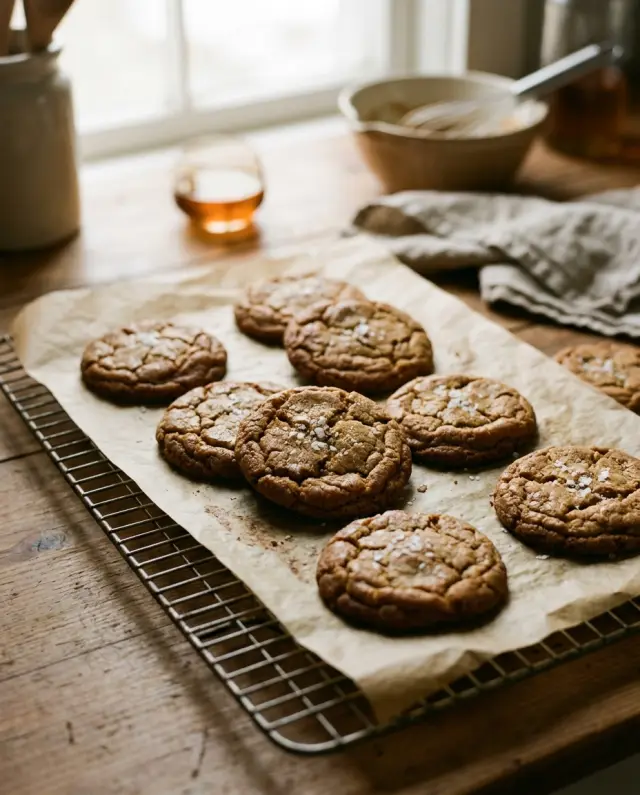
Search reads each save's title, its description (for a reel, usually the caption) and your notes. Type miso and the cookie reel turns up, even when the word was only in the caption.
Your changes, next to the recipe
Add a note to any save: less sugar, double the garlic, the oven runs hot. Notes are searchable too, so the tweak is there the next time you cook it.
A nudge on cooking day
Set a reminder on a save for tonight, tomorrow morning, this weekend or next week, and Saves sends a notification when it is time.
A folder for your supper club
Share a folder with the people you cook with. Everyone adds recipes from their own phone, and a dot marks the ones you have not opened yet.
What Saves keeps
The link, its title, its picture and your notes, not a copy of the recipe. Tap a save to open the recipe where it was published. With Sorting with Claude on, recipes find the Cooking folder on their own: Claude files 30 links a month for free, and every link with Saves Pro.
Already keep recipes in Pocket, Raindrop or your bookmarks? Import them.